AI FOR TEACHING & LEARNING
The ultimate AI presentation assistant.
Some ideas need a picture. Some students need a translation; others need help with a concept they missed. I built the tools I needed with AI agents so students could understand the lesson and keep up.
The problem
Finding an unplanned example took time. Students had different languages and learning needs, and I could not explain the lesson and attend to every question at once.
My approach
I combined voice-assisted presentation with translated captions and an AI teaching assistant. I lead the class while students get the help they need on their own screens.
What changed
Students can read explanations in a familiar language and ask about what they missed. After class, they can review the captions and recordings I have checked and published.
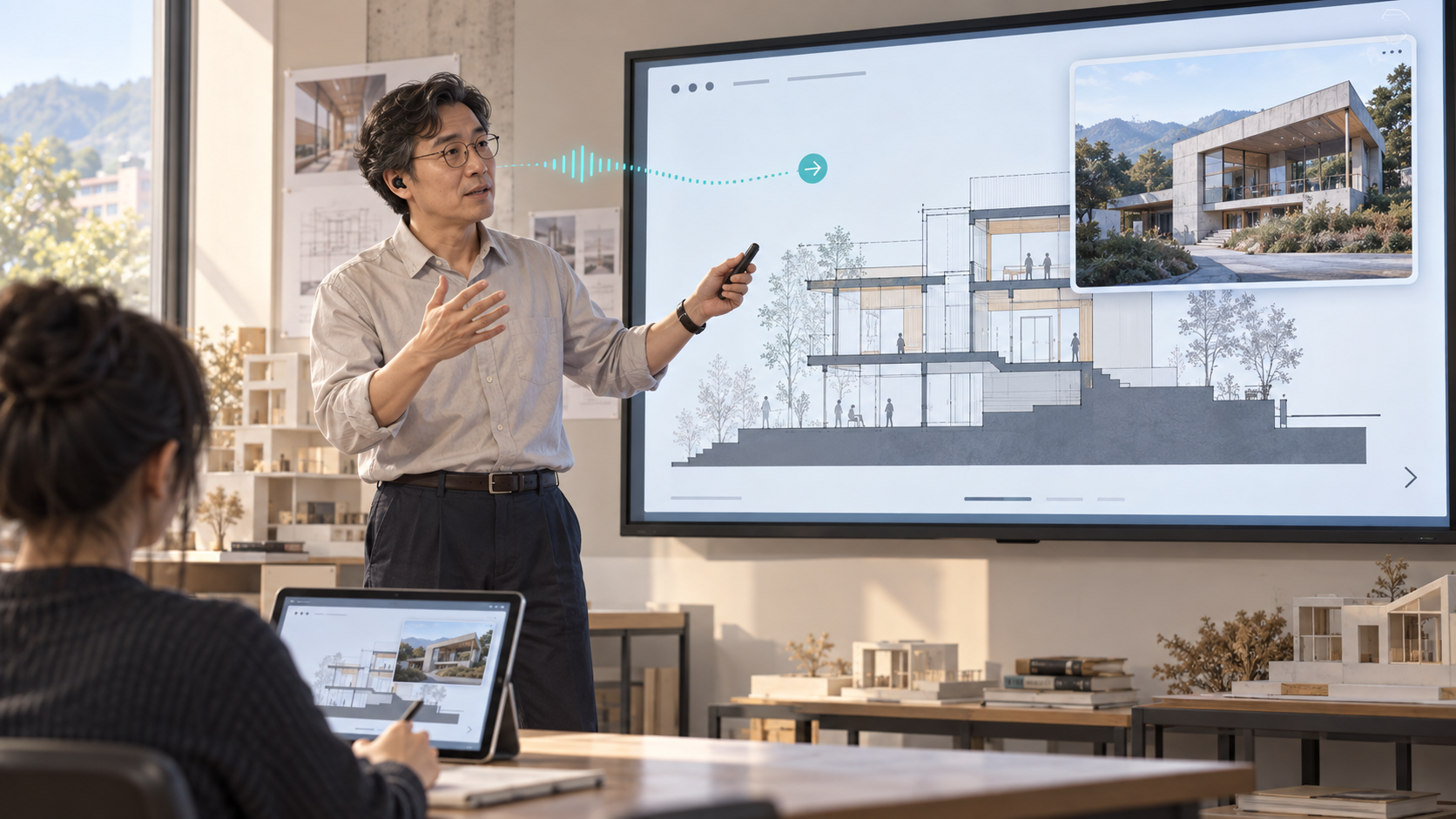
Translation, voice-assisted screen control and live Q&A
Searching for images interrupted explanations, while some questions went unasked and some words were missed.
Call up examples, let students read and ask in class, then share reviewed recordings for study.
01 / VOICE-ASSISTED PRESENTATION
What if I could show an example as soon as it came to mind?
A building came to mind that would explain the idea better, but its photograph was not in my slides. Describing it was not enough, and switching to a search interrupted the lesson. I built a way to call up an image by voice and return to the presentation.
“Next slide.” “Show me a photograph of this building.”
Spend less attention operating the screen and more attention explaining the idea.
I started with voice slide navigation in the original presentation tool, then expanded to image popups and synchronized student screens. The build notes below explain the control paths and development stages.
02 / FOLLOW IN A FAMILIAR LANGUAGE
Help students focus on the subject, not just on decoding Korean.
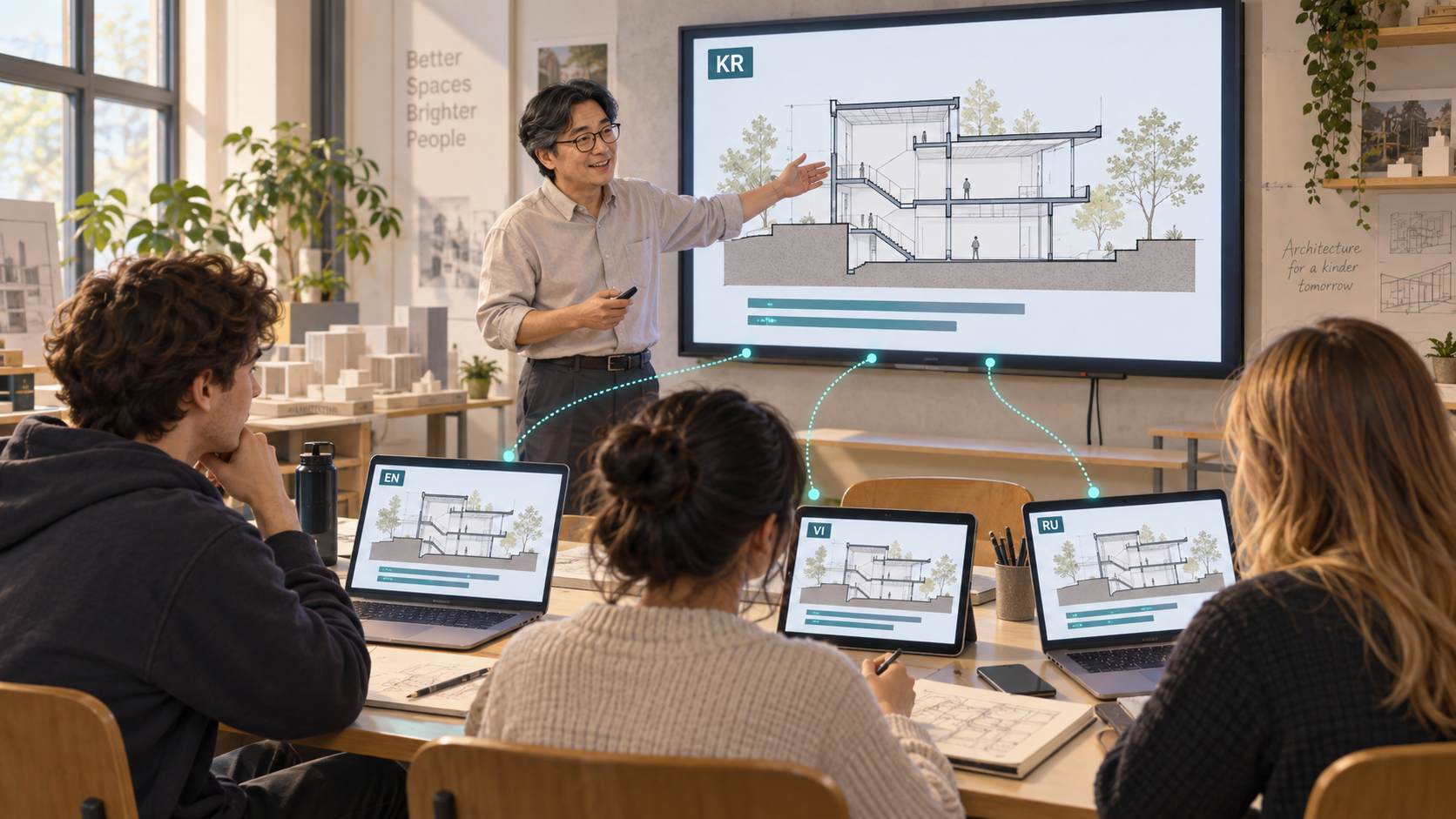
Learning an unfamiliar concept in an unfamiliar language adds another challenge. My explanation is translated live so students can read it in their native language when supported, or another familiar language. They can also compare it with the Korean original.
Students choose from six translation languages. The lesson stays shared while the captions adapt to how each student can best follow it.
03 / HELP WITH MY OWN QUESTION
Missing one concept should not mean losing the rest of the lesson.
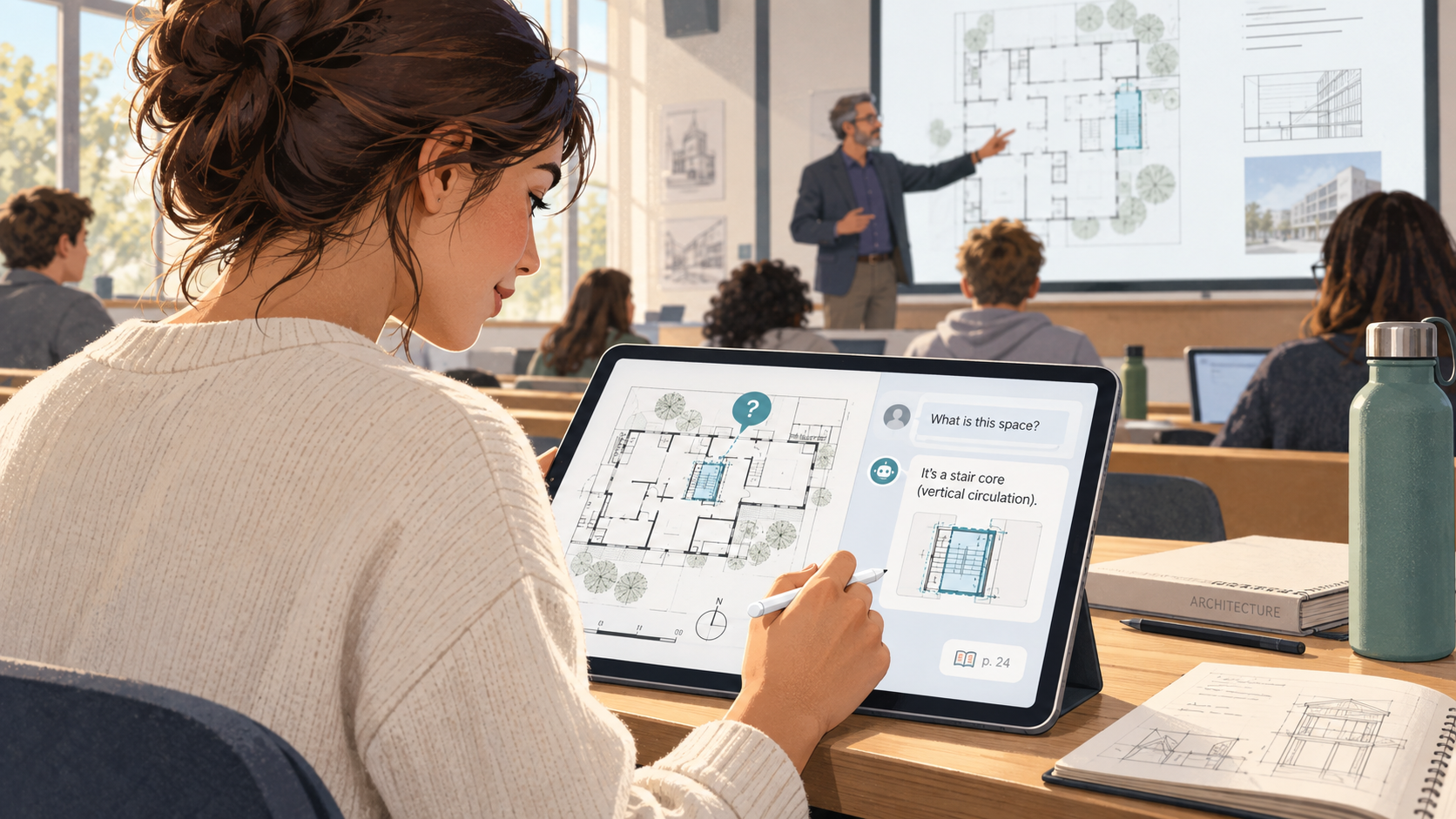
Students can hesitate to raise a hand. Asking on their own screen gives them a way to resolve a difficulty and rejoin the explanation. I built an AI assistant that finds answers in the course materials for that purpose.
Answers link to the relevant document and page. Students can also ask me directly. The shared class can support different questions from different students.
Explain and lead the lesson
Control slides and audio, respond to student questions, and review recordings before publication.
Get the help I need
Follow the same slides, choose a caption language and ask the AI assistant about an unclear point.
04 / AFTER THE CLASS
Revisit the explanations that were never written on the slides.
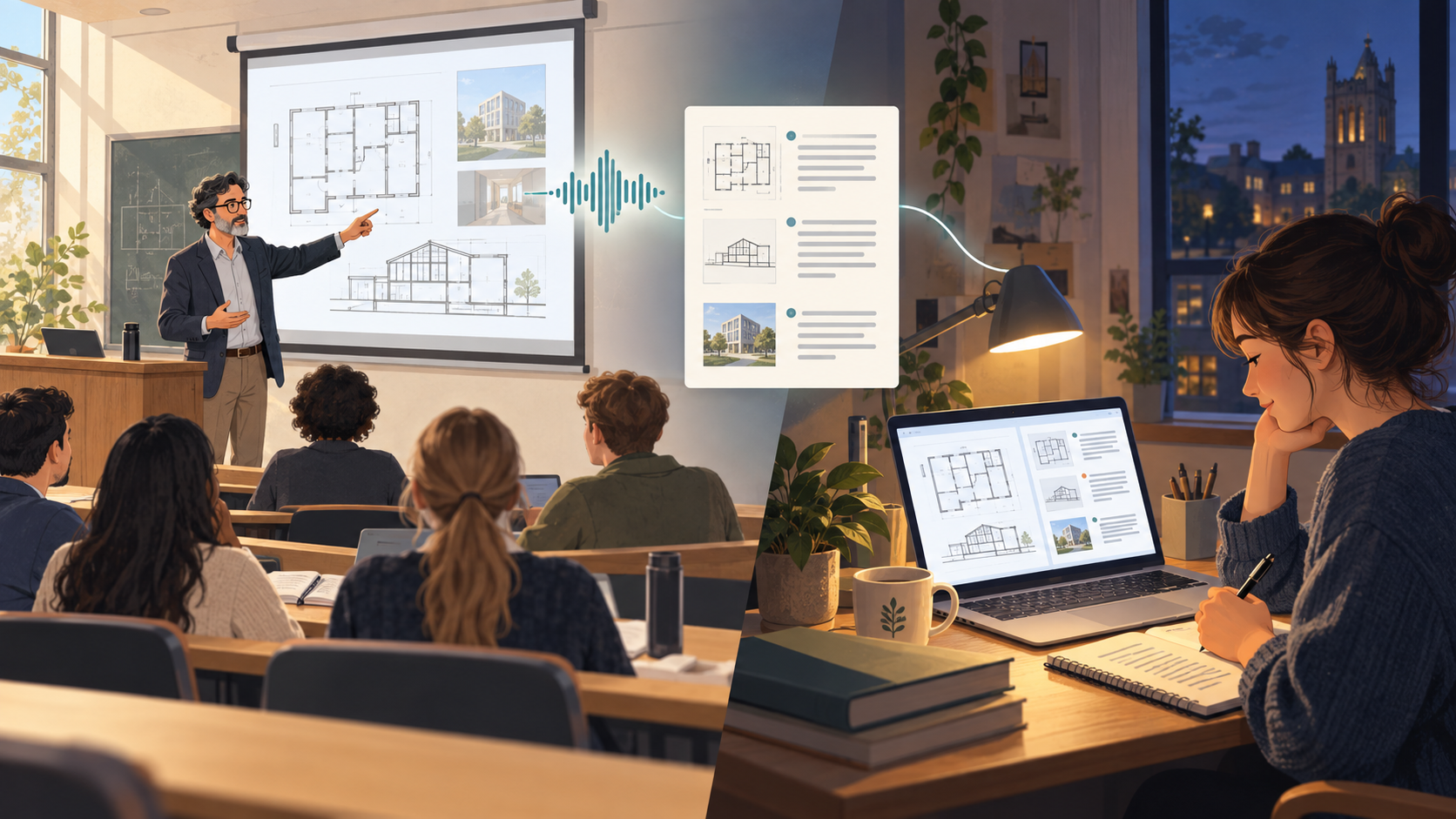
Slides alone may not bring back an example or detailed explanation from class. I added lecture recordings and captions that I can correct, trim and publish for students.
Students can replay a reviewed recording in full or by segment while reading its captions. They can revisit a missed phrase or difficult explanation at their own pace.
HOW I BUILT IT
More than a literal transcript.
A literal transcript preserves pauses and self-corrections that can make it hard to read. I give Whisper course-specific terms and use local AI to turn conversational speech into readable sentences, waiting for continuations after a pause.
“The gap between these columns…”
Wait rather than ending the sentence.“…is wide enough for a person to pass.”
Join it to the same caption.The gap between these columns is wide enough for a person to pass.
Translation of the Korean test example. With no continuation, only the heard fragment remains.“The width is 30—no, 35cm” → “The width is 35cm.”
- 01
Capture
Receive speech from a microphone connected to a phone or computer.
- 02
Recognize
Give Whisper the terms relevant to the course and slide.
- 03
Join
Connect fragments when speech continues after a pause.
- 04
Refine & translate
Use local AI to create readable captions and selected translations.
- 05
Share
Display captions on student screens and publish recordings after review.
The display device and audio-input device can be separate. A microphone or AirPods can be used when available as an input on that device. Recognition and translation also run separately so a pending translation does not stop the next utterance.
ACTUAL APPLICATION
Here is the actual application.
ONE INSTRUCTOR’S IDEA, MADE REAL
I built the teaching experience I wanted.
It began with a simple wish: help students understand a little better. Drawing on my experience with local AI and agents, I built the features and refined them around my class. I wanted to show how one instructor can turn a teaching idea into a working tool.
Visit UPMI Academy · classroom access for enrolled students ↗COULD THIS WORK FOR YOU?
Could this work in your setup?
What did one instructor build with agents, and how does it help students?
BUILD DETAILS
Build details & ideas to reuse
01I built it because my class needed it
A good slide deck was not enough. An example that came to mind was hard to explain without a picture. Students unfamiliar with Korean had to work harder just to follow the words. I also wanted to help those who missed a concept before the class moved on.
I described those teaching moments to an agent, tried the results and refined them. This is a tool built by the person teaching the class, shaped around the needs I encountered.
02Bring an unplanned example into the presentation
“Next slide.” “Show me a photograph of this building.” Spoken requests can reduce interruptions caused by operating the screen. I implemented voice slide navigation in the original presentation tool and added image popups that can be opened and closed by voice.
A photograph can explain an idea faster than a long description. I wanted to show an example that was absent from the prepared slides and then return to the presentation. In the integrated classroom, changes on the instructor screen also reach student screens.
03Help international students follow in a familiar language
When students spend their attention decoding Korean, they have less attention left for the subject. My spoken explanation becomes live captions, translated into each student’s chosen language. Students can use their native language when supported, or another familiar language.
The six translation languages are English, Simplified Chinese, Japanese, Vietnamese, Burmese and Russian. The Korean original can appear alongside them. Everyone follows the same lesson without having to use the same caption language.
04Ask the AI assistant before falling behind
Missing one concept can make the next explanation harder to follow, but stopping the whole class is not always comfortable. Students can ask on their own screens, read an answer and return to the lesson.
The AI assistant answers from the course materials I uploaded and points to the relevant document and page. It uses only materials the student is allowed to access. Students can also send a question directly to me, supporting individual needs within the shared lesson.
05Turn spoken explanations into material for review
Slides contain the main points, but they do not capture every explanation I add during class. I record lecture audio and captions so students can return to those explanations afterward.
Recordings are not published automatically. I can correct captions and exclude unnecessary segments, then review and publish them. Enrolled students can replay the full recording or individual segments while reading the captions.
06Make spoken language easier to read
Lectures include self-corrections and pauses. A literal transcript can be difficult to read, so a local AI model refines Whisper output into readable captions and translations. A glossary tied to the course and slide helps with technical terminology.
If I pause after “The gap between these columns…” and continue with “is wide enough for a person to pass,” the fragments join into one caption. With no continuation, it keeps only what was heard rather than inventing an ending.
A self-correction such as “30—no, 35cm” becomes “35cm.” Checks look for changes to numbers, units and negation, retaining the original when an output fails them. Cleanup and translation can still contain errors, which is why I also review recordings before publication.
07Connect classroom devices to local AI
The display and audio-input devices can be separate. A phone or computer can capture speech, using a microphone or AirPods when available as an input on that device. My screen focuses on teaching controls; student screens focus on caption language and questions.
I connected local Whisper and language models, separating recognition, cleanup and translation. Audio capture continues while a translation is running, and results appear in spoken order. Relevant terms and concise context help keep processing focused.
08Building the teaching experience I wanted
The point is who built the tool and why. As the instructor, I identified moments when students needed help and turned those needs into software: presentation controls, translation, questions and review, connected around my class.
My experience running local AI and working with agents helped. I still had to describe the teaching situations, inspect the results and refine them. That process turned one instructor’s idea into a tool that can support different students in the same class.
Scope and things to consider
Voice slide navigation was implemented in the original presentation tool. The current Academy has built-in voice image controls and a slide-control integration point; the features described were developed across different stages. Students can access recordings and captions after instructor review and publication. Actual screenshots use test accounts and synthetic lecture audio. Translation accuracy and latency vary with language, model load and classroom conditions; AirPods and individual devices need classroom validation.