THE OPEN NOTEBOOK
What I built, and how
Explore the documents, software and everyday systems I have built, along with resources to try yourself and the UPMI research archive.
23 resources
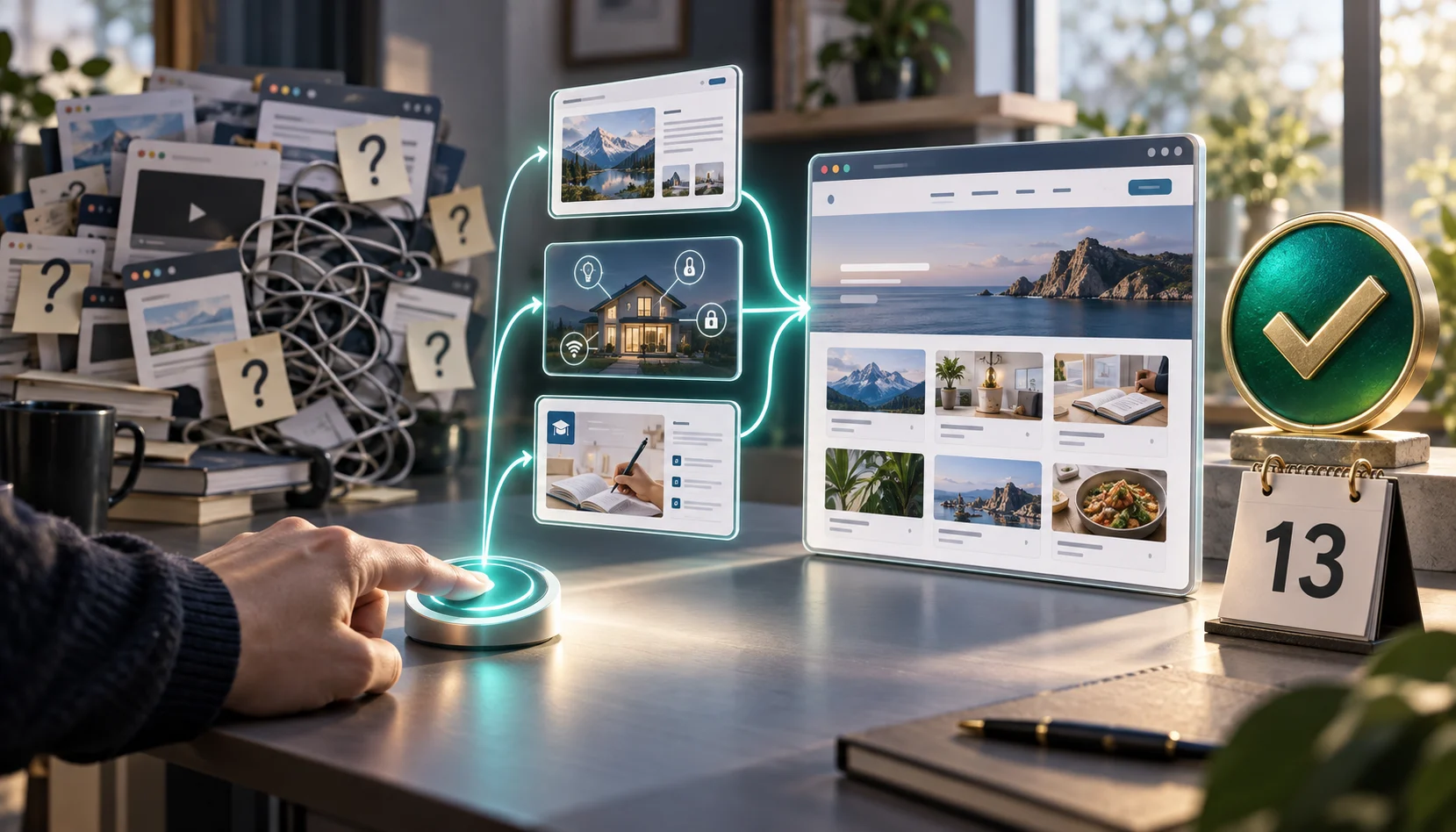
21 public posts · including 6 main representative cases · 13 days after first application
GPT Astra, 21 public posts, and AdSense approval on the first attempt
The new Lab homepage created using GPT Astra had 21 public posts at the time of application, with 6 representative cases featured on the main page. A new subdomain was created under the existing company domain to build the homepage, and upon applying for the initial review, it was approved in just 13 days without reapplication.
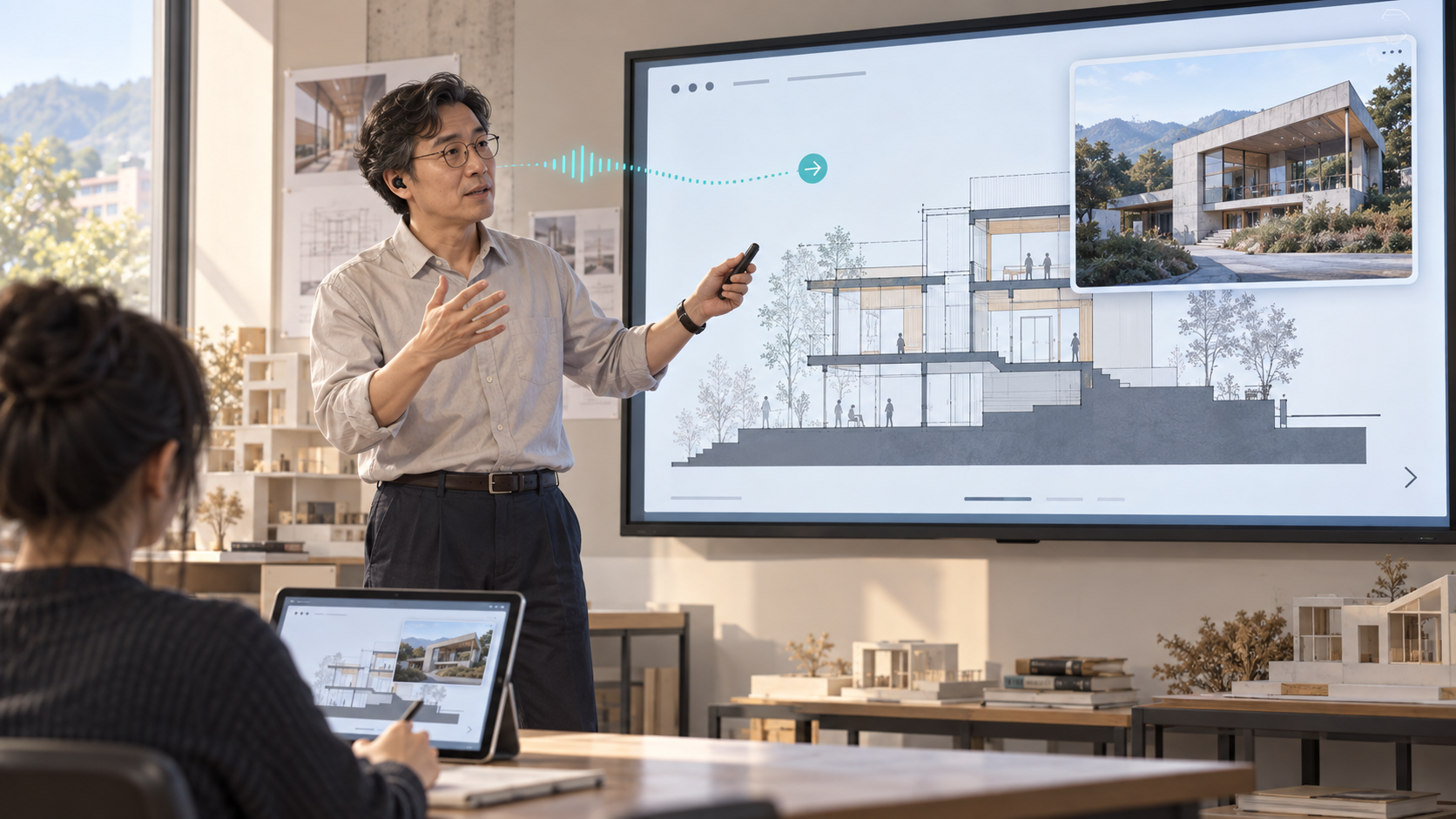
Live translation and annotations on student devices · voice controls and AI Q&A
The ultimate AI presentation assistant.
While I explain and annotate, students see the same slides, live writing and translated captions on their phones, tablets or laptops. I built voice controls and material-grounded AI Q&A with agents to help my students follow the lesson.
When lecture visuals missed the brief, I went back to the instructions
I used OpenClaw to prepare lecture slides in NotebookLM, then found that part of my brief had been lost. Resending it produced a 21-slide revision, including the circulation and dimension diagrams shown here.
Preparing slides, teaching notes and a quiz for the same lesson
I used Codex on Windows to connect a lesson plan with diagrams, teaching notes and student questions. Separating what students see from what I explain gave each file a clear purpose.
Give every presentation figure a route back to its evidence
I linked a concise research presentation to its calculations and sources, then revised charts for comparison and tables for detail while keeping them editable.
Keeping Telegram attachments ready for the next task
I wanted more than a reply saying an attachment was saved. With Codex I built a tool that preserves the file, avoids filename collisions and records its size and hash.
Before choosing an assistant model, I had to fix the evaluator
I compared four models over 96 OpenClaw runs. Finding missing tool traces and broken JSON taught me more about evaluation than the ranking alone.
Fixing a Hangul form by changing what the tool edits
I traced a broken HWPX form to text being merged across table cells. I changed the editing unit to cell paragraphs and carried that rule into the generator and OpenClaw skill.
After editing the translation, I checked how 337 pages read
Reviewing architectural terminology led me into page layout as well as language. I used Codex for repeatable checks while reviewing how illustrations and explanations fit together.
Turning a sixteen-week draft into a usable fifteen-week course plan
I connected topics with assessment, then adapted the draft to the school’s actual weeks, hours and required fields. The work was as much about fitting the course as writing the plan.
I finished the Windows SSD move with two boot checks
I moved Windows to a new SSD while preserving the data drive, then checked the backup, EFI partition and persistent boot order to make sure the move worked.
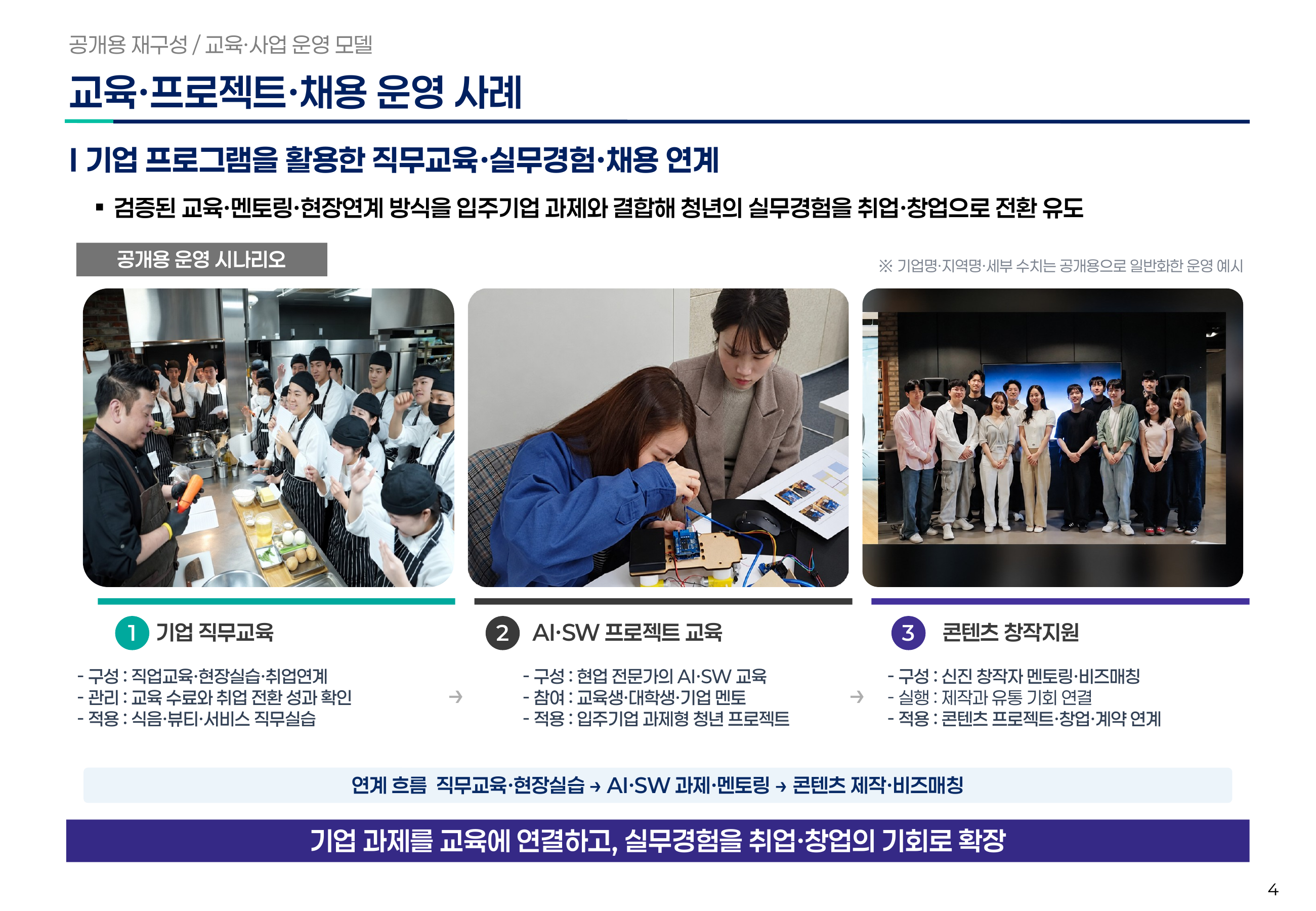
Dense diagrams and three photo columns, editable one element at a time
How I make complex PowerPoint layouts editable
Dense case studies and operating models need to stay editable. With Codex, I built slides from text, shapes, connectors, tables and charts so I could revise individual elements and reuse the composition.
Finish the report and the card that leads readers to it
An edited article is only part of publishing. I treat the text, summary, image and listing link as one deliverable in the UPMI report workflow.
Define the deliverable before handing work to an agent
I unpacked “write a proposal” into sources, drafting, review and delivery. These are the questions I use to define an agent’s work before it starts.
Turn a plan’s broad promises into the next concrete task
While writing about urban regeneration, I organized a way to turn plans into actions, roles, decisions and evidence. Here is a small agent-assisted exercise to try.
How I verified a 98,285-document NAS migration
I kept the originals, copied the documents to the new NAS, recovered files missed by a permissions problem and verified the complete selection by checksum.

One home. One place to control it.
Different apps. One home.
Lights, cooling and door access each needed a different app. Instead of replacing all the equipment, I connected its existing signals and APIs through my NAS. Apple Home now brings the controls together, with a foundation for coordinated automation.

More freedom to place your TV.
Move the Apple TV without running a long Ethernet cable.
Btv’s wired-connection requirement limited where I could place my Apple TV. I used OpenWrt on the NAS and a Raspberry Pi to carry the long stretch over Wi-Fi, with only a short Ethernet cable beside the Apple TV.
Running quizzes for a 91-student course, from entry to semester rollover
Posting questions was only part of running the class. I connected section entry, timing, saved answers, submission and semester archives into a workflow I could check.
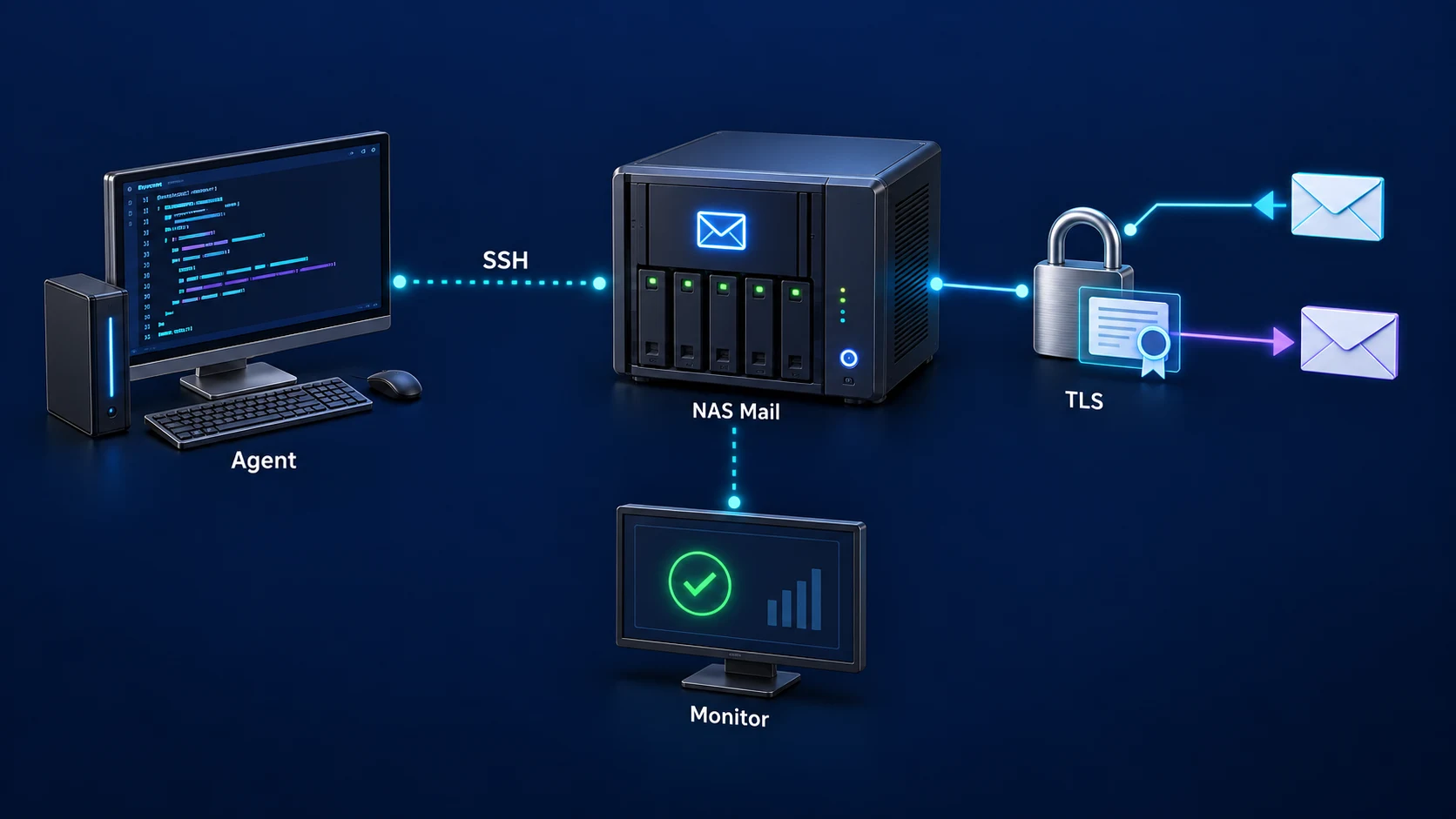
Setup · Certificates · Delivery checks
A mail server I can maintain after installation.
Keeping domains, certificates and mail delivery aligned was harder than installing the server. I worked with an agent over SSH to configure the NAS and build a routine for certificate updates, real delivery tests and recovery.
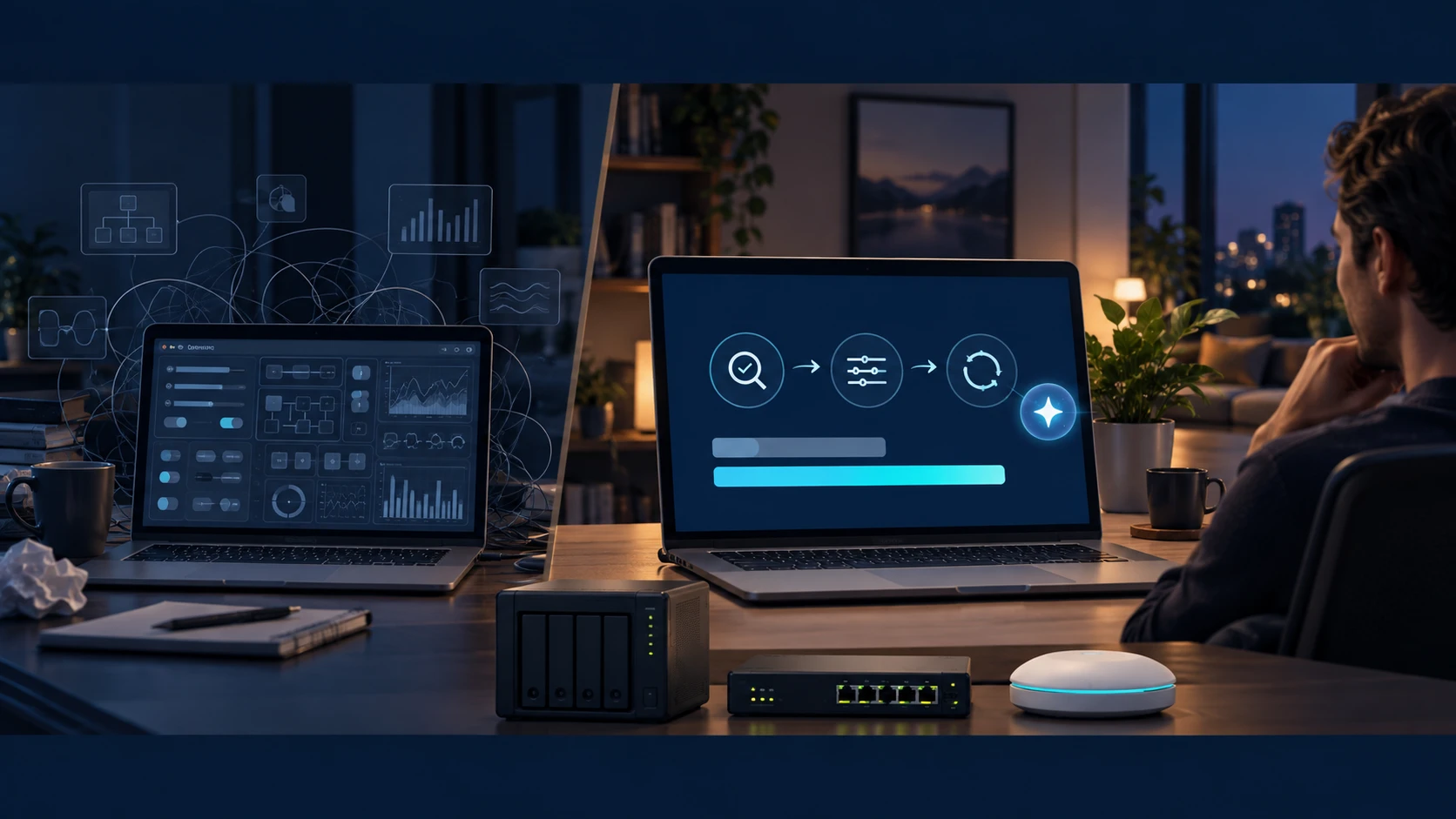
From storage to routing · agent installation, configuration and maintenance over SSH
A storage NAS becomes an agent-managed router, too
I expanded my NAS from file storage to web, mail, smart-home services and an OpenWrt router. The agent uses SSH to carry installation, configuration, diagnosis and maintenance through to verified changes.
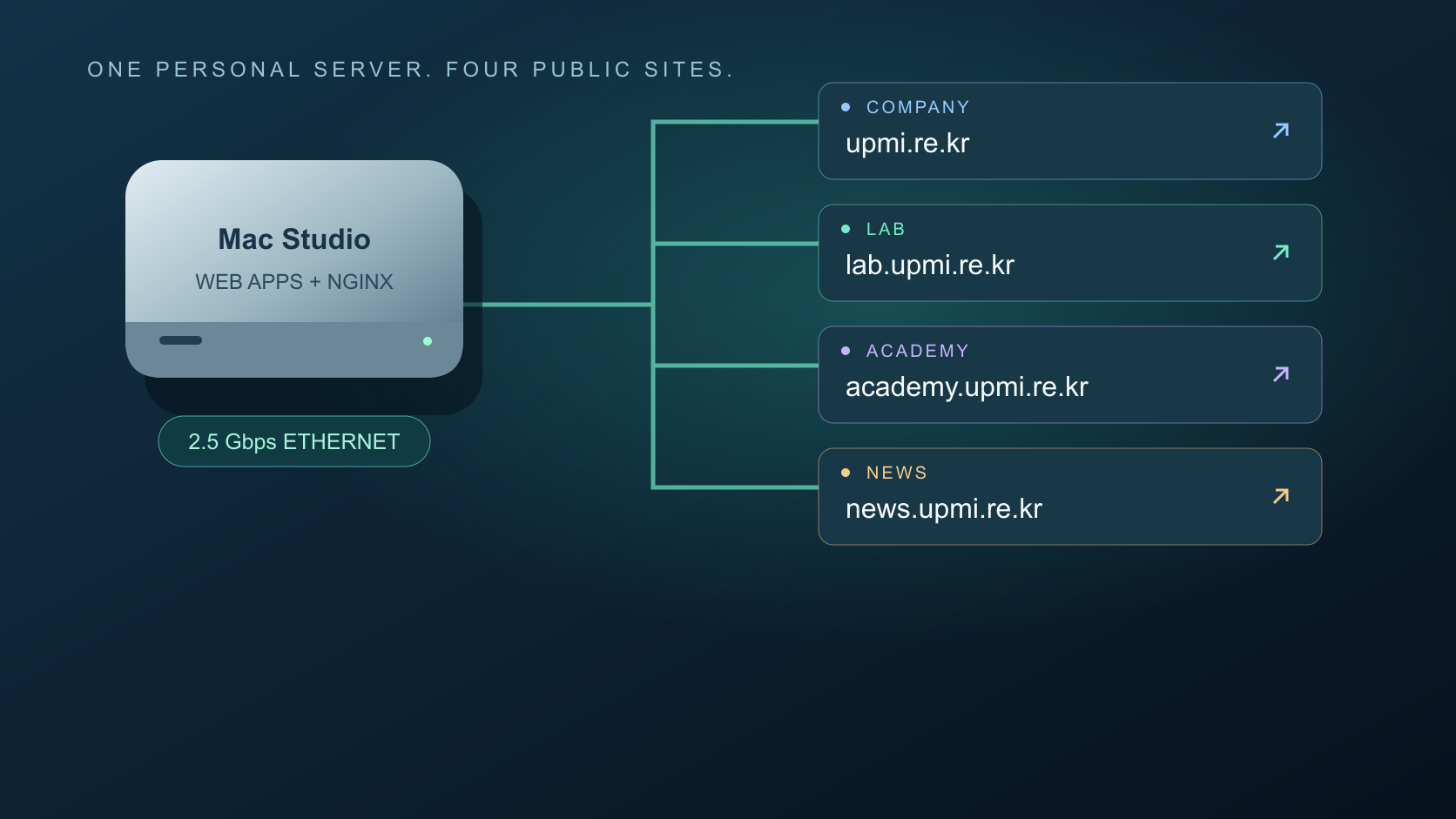
Domains · Content · Deployment · Operations
My own web server, from creation to publishing with an agent
I run company, Lab, Academy and news sites on my own hardware. An agent connects domain routing, development, content updates, deployment and checks. Here is the actual setup and a capacity model grounded in an upload measurement.
How I finish real work with AI agents
I started with the result I wanted, worked through small revisions and turned it into something I could use. Here is the approach I use for documents, software and home systems.