FIELD / LIFE
Life
How I connected my home devices, servers and everyday tools.
7 resources
Keeping Telegram attachments ready for the next task
I wanted more than a reply saying an attachment was saved. With Codex I built a tool that preserves the file, avoids filename collisions and records its size and hash.
I finished the Windows SSD move with two boot checks
I moved Windows to a new SSD while preserving the data drive, then checked the backup, EFI partition and persistent boot order to make sure the move worked.
How I verified a 98,285-document NAS migration
I kept the originals, copied the documents to the new NAS, recovered files missed by a permissions problem and verified the complete selection by checksum.
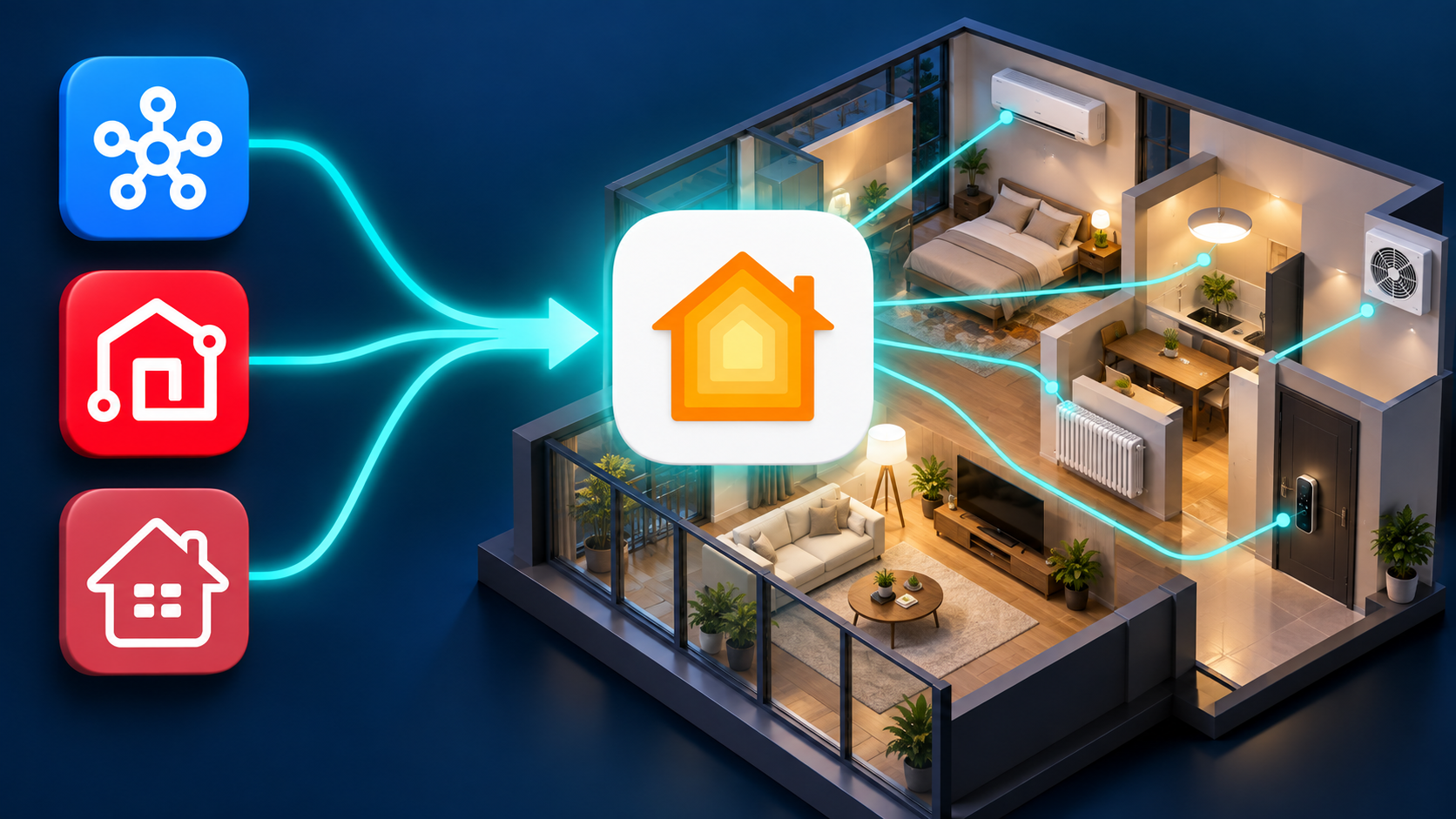
One home. One place to control it.
Different apps. One home.
Lights, cooling and door access each needed a different app. Instead of replacing all the equipment, I connected its existing signals and APIs through my NAS. Apple Home now brings the controls together, with a foundation for coordinated automation.

More freedom to place your TV.
Move the Apple TV without running a long Ethernet cable.
Btv’s wired-connection requirement limited where I could place my Apple TV. I used OpenWrt on the NAS and a Raspberry Pi to carry the long stretch over Wi-Fi, with only a short Ethernet cable beside the Apple TV.
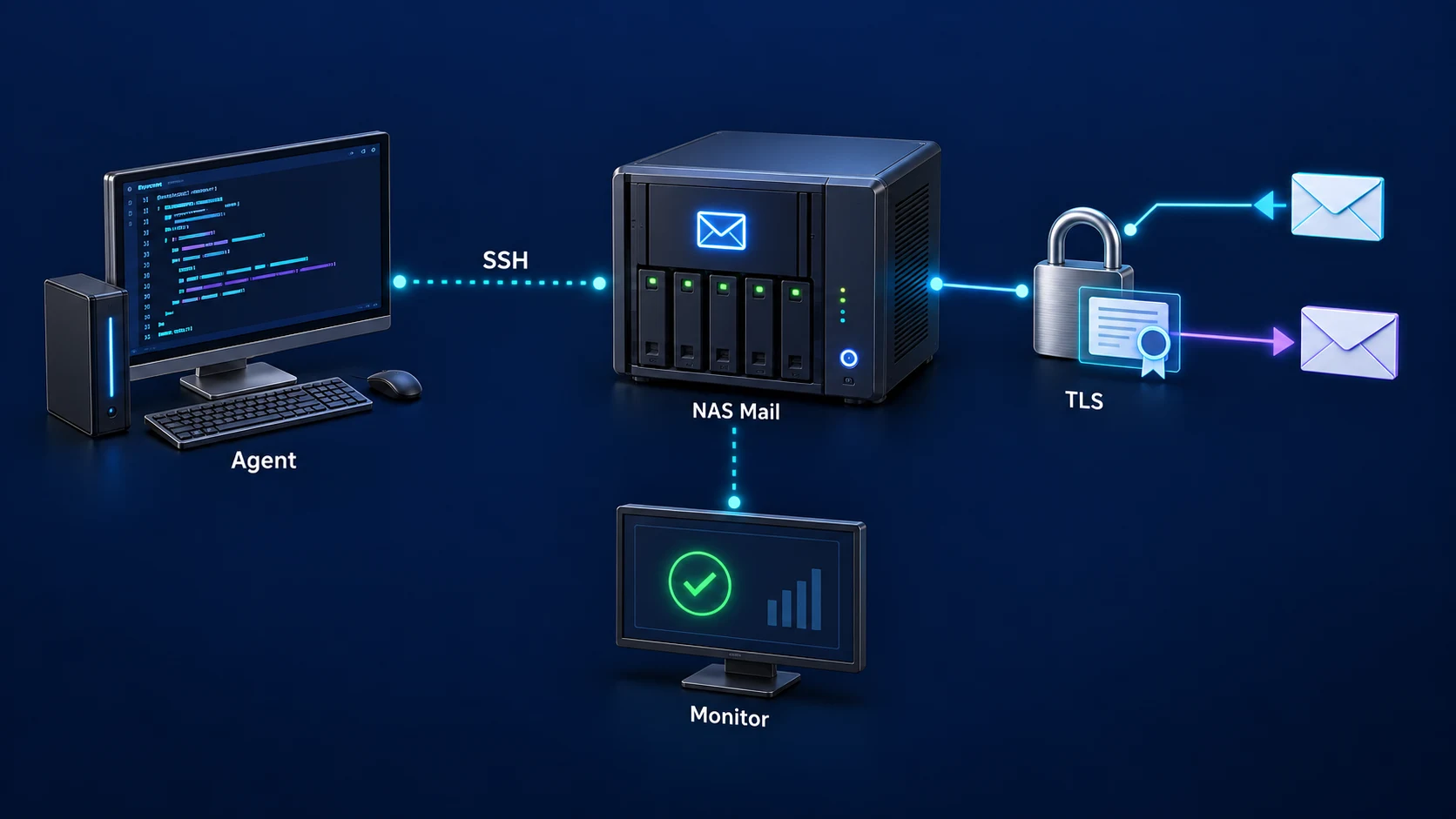
Setup · Certificates · Delivery checks
A mail server I can maintain after installation.
Keeping domains, certificates and mail delivery aligned was harder than installing the server. I worked with an agent over SSH to configure the NAS and build a routine for certificate updates, real delivery tests and recovery.
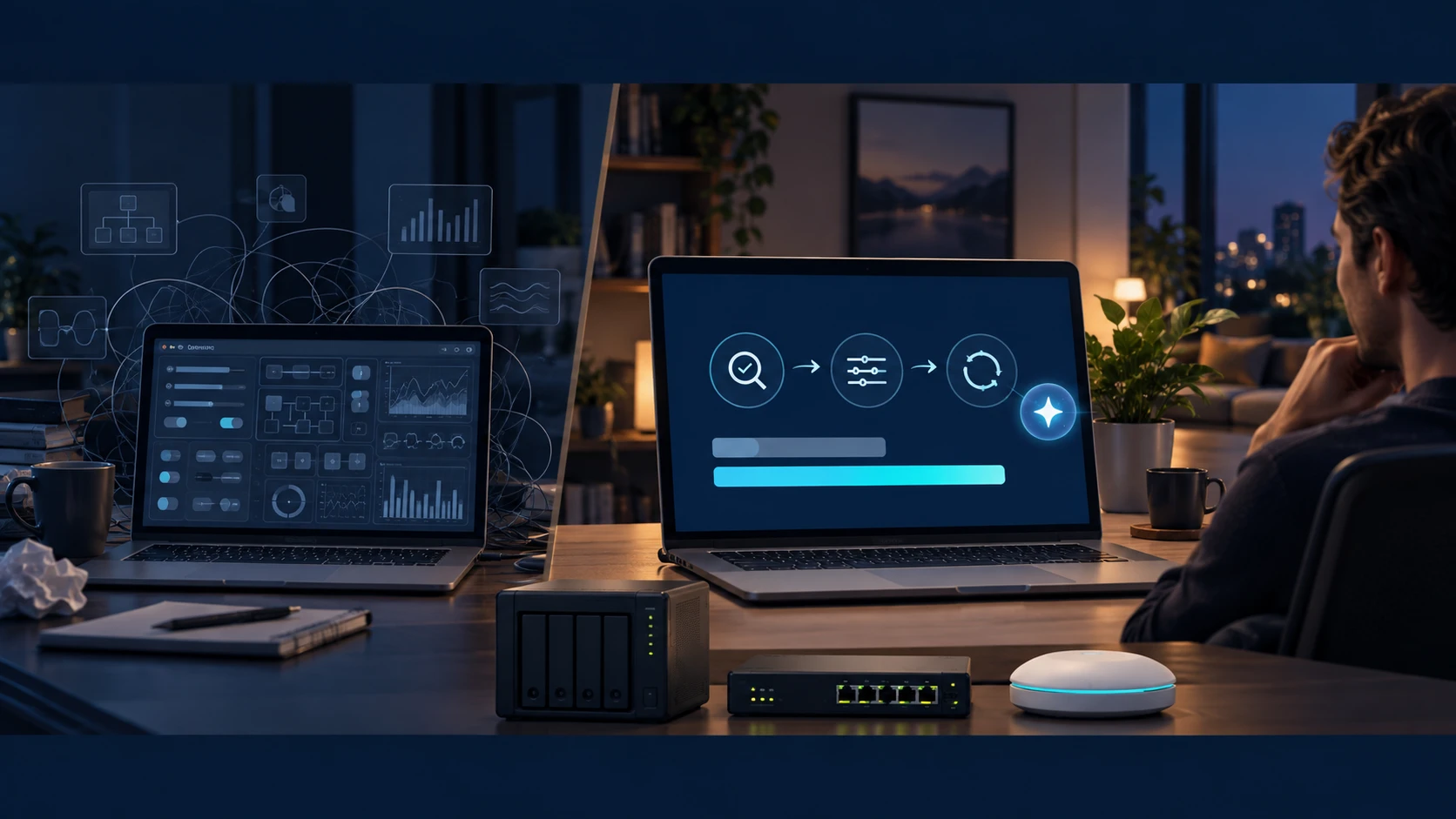
From storage to routing · agent installation, configuration and maintenance over SSH
A storage NAS becomes an agent-managed router, too
I expanded my NAS from file storage to web, mail, smart-home services and an OpenWrt router. The agent uses SSH to carry installation, configuration, diagnosis and maintenance through to verified changes.