04 / AI NETWORK OPERATIONS
A storage NAS becomes an agent-managed router, too
I expanded my NAS from file storage to web, mail, smart-home services and an OpenWrt router. The agent uses SSH to carry installation, configuration, diagnosis and maintenance through to verified changes.
The problem
I wanted to do more with my NAS, but learning separate installation and maintenance procedures was burdensome.
My approach
I added an OpenWrt VM and used an agent over SSH to connect inspection, installation, configuration and verification.
What changed
One NAS now supports storage, everyday services and routing, with an agent assisting operations.
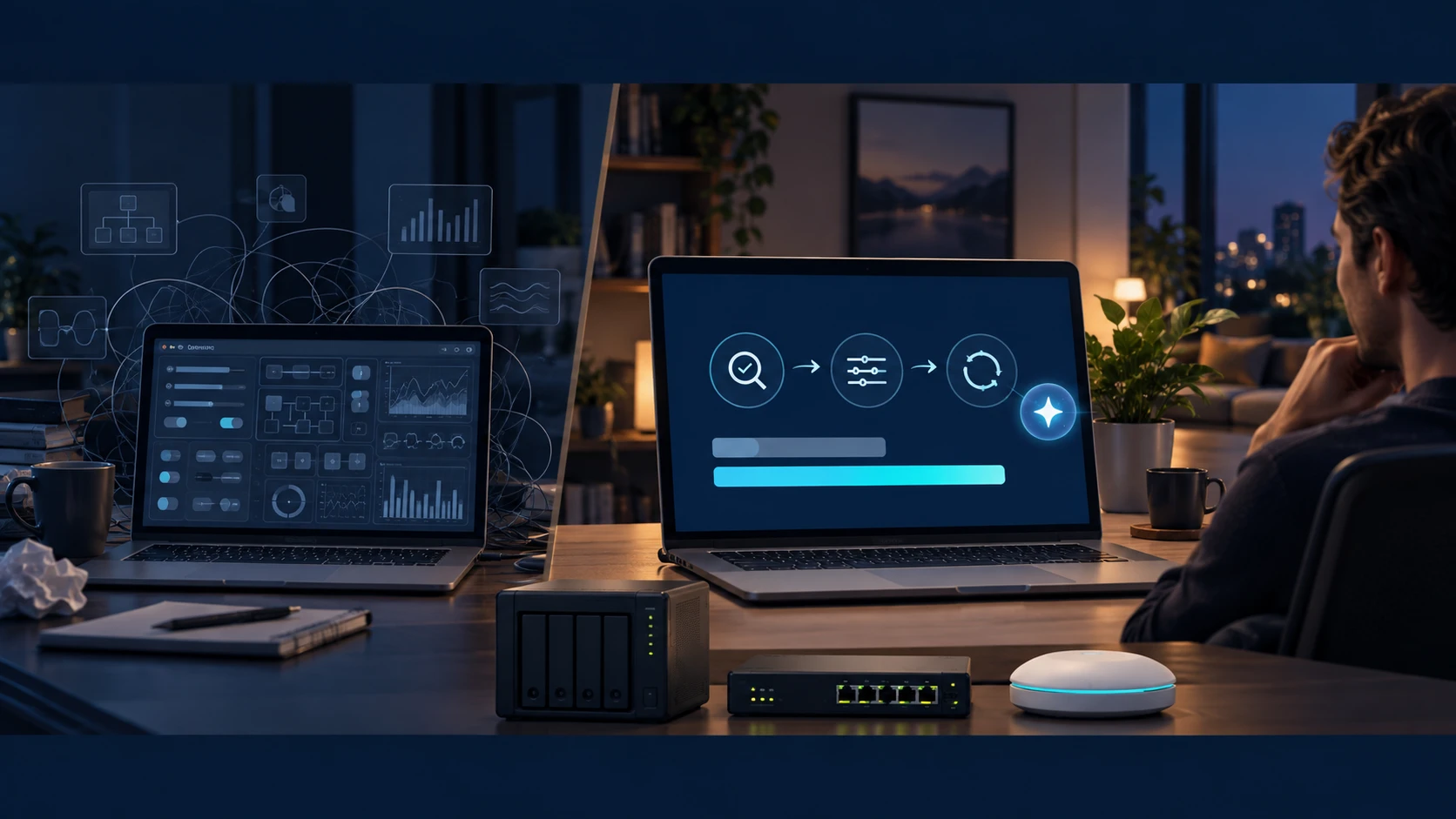
From storage to routing · agent installation, configuration and maintenance over SSH
I wanted to do more with my NAS, but learning separate installation and maintenance procedures was burdensome.
One NAS now supports storage, everyday services and routing, with an agent assisting operations.
FROM REQUEST TO RESULT
How I made it work.
- 01
Expand the NAS
I added web, mail, smart-home services and an OpenWrt router to file storage.
- 02
Install and configure over SSH
The agent reads actual system state and carries out installation and configuration changes.
- 03
Back up and adjust
I saved rollback settings, resolved a DHCP conflict and adjusted the Wi-Fi channel.
- 04
Reconnect and verify
I checked other devices and web, mail and TV connections as well as throughput.
THE ROUTER SOFTWARE INSIDE THE NAS
What is OpenWrt?
OpenWrt is an open-source Linux operating system for configuring and extending router functions. I installed it in a NAS virtual machine to handle my home internet connection, device addresses and firewall rules.
Expand the NAS, with installation and maintenance over SSH
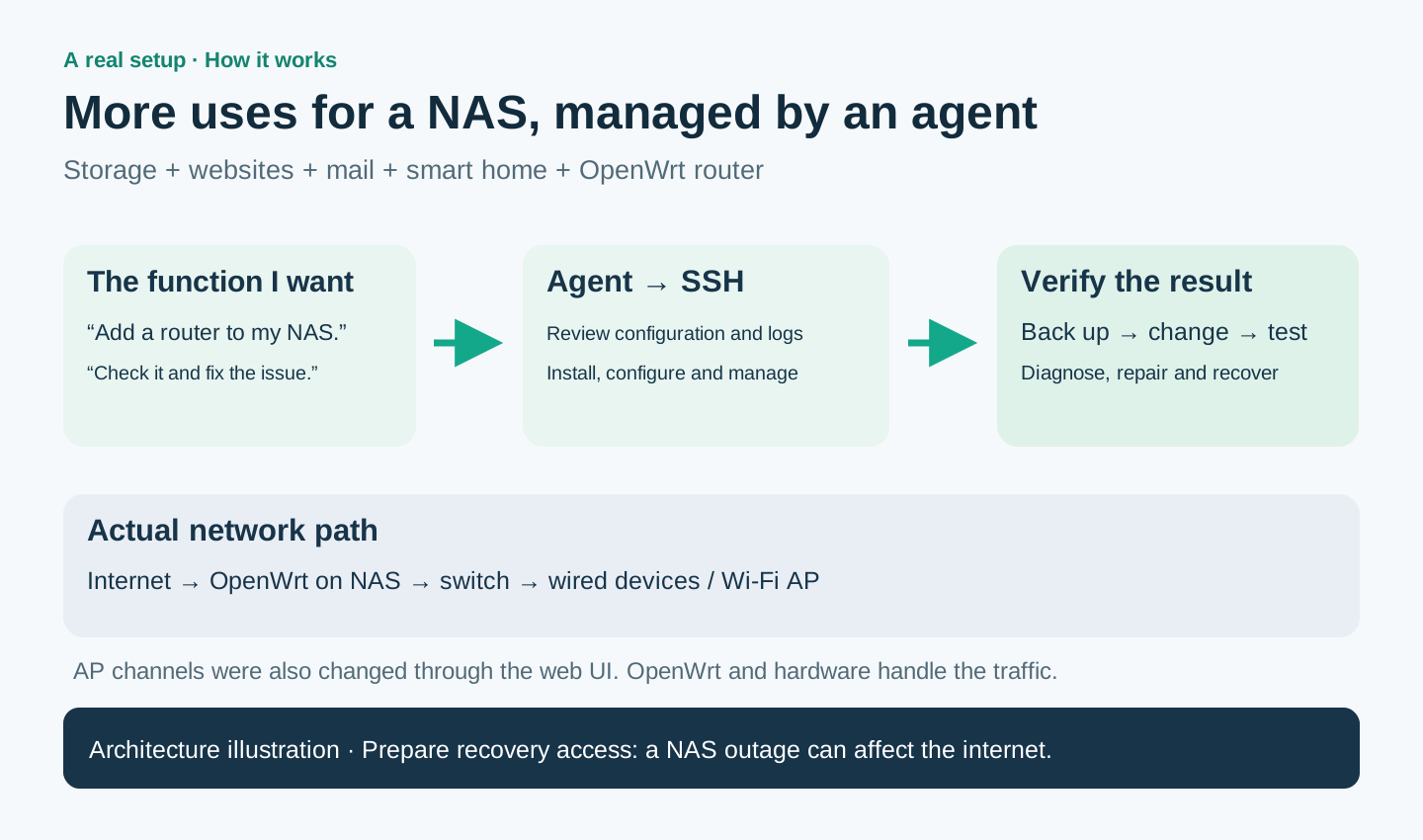
I added web, mail, smart-home and routing services to file storage. The agent uses SSH for inspection, installation, configuration and service management; AP settings also use the device’s web interface.
OpenWrt
Assigns device addresses, routes traffic to the internet and applies firewall rules.
Switch · Wi-Fi AP
The switch connects wired equipment; the AP connects Wi-Fi devices.
AI agent
I used an AI agent to inspect settings and logs, make backups and changes, measure speed and restore connections. OpenWrt and the network hardware handle traffic and firewall rules.
LuCI provides the web settings interface, while UCI commands let you change settings over SSH. Packages can add more features.
ASK. DIAGNOSE. ADJUST. VERIFY.
Wi-Fi tuning, with an agent doing the checks.
“Wi-Fi is slow. Tune it while keeping the other devices connected.”
- 01Inspect state & channel→
- 02Back up & adjust→
- 03Check speed & other devices→
- 04Keep or roll back
5GHz channel 40 · simultaneous-load test
5GHz channel 149 / 80MHz · sequential test
Measured download rates. Load mode and time limits differ, so this is not a controlled improvement-rate comparison. The later test also recorded 694.9Mbps upload and 29.1ms download-loaded latency.
Address reservations, service routing and an IPTV path were configured. WOL and VPN need their own completion checks.
When connections failed, I traced a DHCP conflict through address assignments and logs, corrected it and checked internet, NAS, web and mail together.
Channel changes used the AP management interface; state and logs were checked through SSH. Both Macs on 5GHz and the Pi on 2.4GHz were confirmed after reconnection. OpenWrt, the switch and AP carry the traffic.
COULD THIS WORK FOR YOU?
Could this work in your setup?
What do OpenWrt and the AI agent each do when a NAS acts as the router?
BUILD DETAILS
Build details & ideas to reuse
01From storage to everyday infrastructure
I added web hosting, mail and a smart-home bridge to a NAS I had used for files and backups. An OpenWrt virtual machine then added routing to the same equipment.
Ongoing maintenance was more daunting than adding a feature. Instead of finding every setting and diagnosing each failure alone, I used an agent over SSH to inspect the system and carry my requested changes into working services.
02From a request to installation and maintenance over SSH
The agent inspected configuration and logs, performed necessary installation and configuration changes, started services and checked behavior. I supplied the intended features and the existing services that needed to keep working.
The workflow was to back up the current settings, change them and verify connections. For a failure, the agent inspected logs and address allocation, narrowed down the cause, and repaired or reverted the change. Installation, configuration and maintenance became a connected workflow.
NAS and OpenWrt commands, configuration and logs used SSH. Wireless AP channel changes also used the device’s web management interface. This does not mean every feature on every device is controlled solely through SSH.
03OpenWrt, the switch and AP have separate roles
The path is internet → OpenWrt VM on the NAS → switch → wired devices and Wi-Fi AP. OpenWrt handles routing, NAT, DHCP, DNS and firewall rules; the switch and AP provide wired and wireless connections.
The agent helps install, configure and inspect this environment. OpenWrt and hardware carry the traffic. After resolving conflicting address allocation, I checked web, mail, IPTV and other device connections as well as internet access.
04Tuning includes checking the result
I inspected wireless conditions, adjusted channel and bandwidth, and measured again. The agent helped with the repeated work of finding settings and checking the resulting connections.
I observed roughly 312Mbps and 667Mbps downloads, but load patterns and other test conditions differed. This is not a controlled proof of a twofold improvement. I also checked continued connectivity for other devices and services.
05More uses also call for a recovery plan
A NAS outage can now affect internet access as well as storage. I kept configuration backups, management access and a path back to the previous equipment.
The value is expanding equipment I already own and connecting installation with ongoing operations through an agent, including SSH-based work.
Scope and things to consider
I cover my OpenWrt setup, DHCP conflict recovery and Wi-Fi measurements, keeping the different load methods visible in the speed comparison. The migration covers address assignment, service forwarding and the IPTV path; WOL and VPN were not fully completed.